In an era where remote work, digital business, and frequent travel are the norms, virtual mailbox services have become an essential tool for individuals and businesses alike. These services go far beyond traditional PO boxes, offering convenience, flexibility, and professional capabilities that streamline mail management. Understanding the common features of virtual mailbox services can help you choose the right provider and maximize efficiency.
1. Digital Mail Scanning
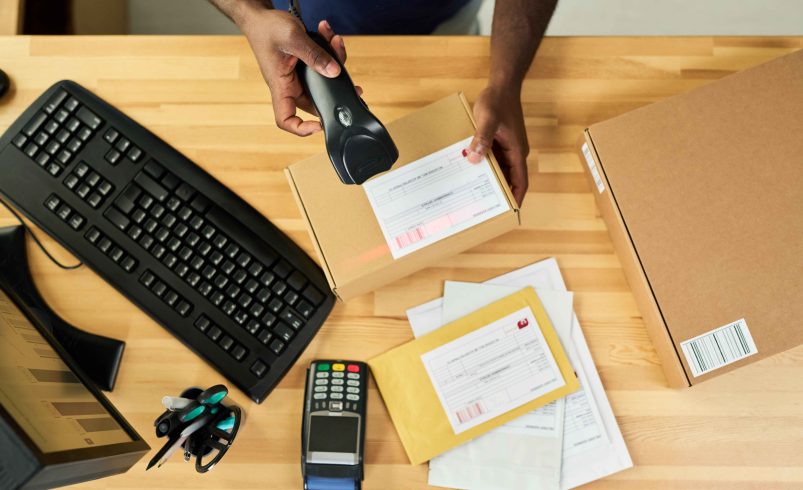
One of the defining features of virtual mailbox services is digital mail scanning. When mail arrives at your virtual address, the provider can scan the exterior and, depending on your plan, the contents of letters and documents.
-
View Mail Online: Scanned copies are uploaded to a secure web portal or mobile app.
-
Download or Print: Digital copies can be downloaded for personal or business use.
-
Organize: Scan and categorize mail for quick retrieval.
Digital scanning saves time, reduces trips to a physical mailbox, and allows you to stay on top of important correspondence from anywhere in the world.
2. Package Handling
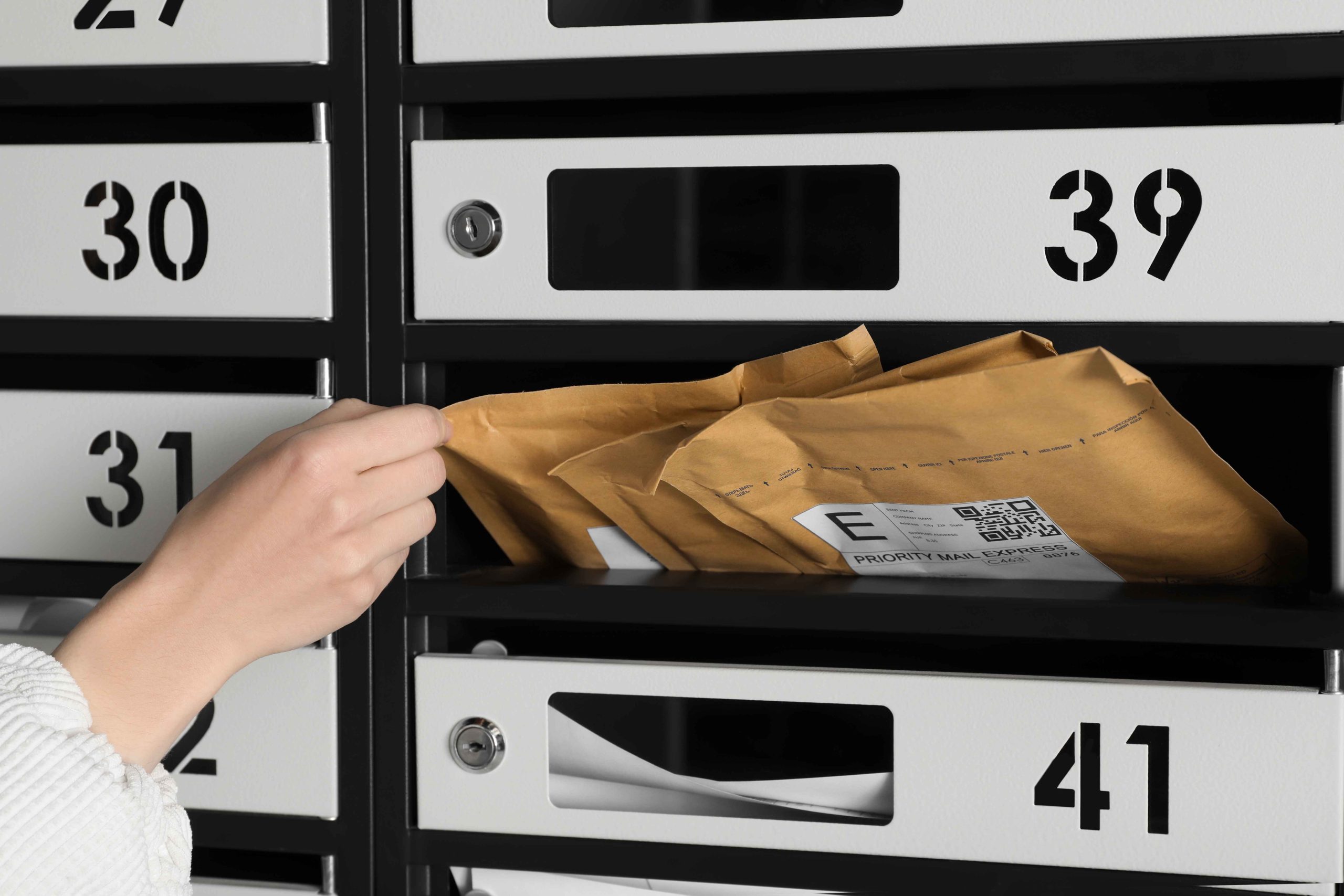
Virtual mailbox services are not limited to letters—they also manage packages from multiple carriers, including USPS, UPS, FedEx, and DHL.
-
Receive Packages: Providers accept deliveries that a traditional PO box cannot handle.
-
Consolidate Shipments: Combine multiple packages into one shipment to save on shipping costs.
-
Forwarding Options: Packages can be sent to any address, domestically or internationally.
This feature is particularly beneficial for e-commerce sellers, remote workers, or travelers who need reliable access to packages while away from home.
3. Mail Forwarding
Mail forwarding is a core feature that separates virtual mailboxes from traditional solutions. After receiving and scanning mail, you can:
-
Forward letters or packages to a home, office, or alternative location.
-
Choose standard, expedited, or international shipping methods.
-
Consolidate multiple items to reduce shipping costs.
Forwarding ensures you have access to physical items when needed without being tied to a specific location.
4. Secure Storage and Archiving
Virtual mailbox services provide both physical and digital storage for your mail:
-
Physical Storage: Keep mail and packages at the provider’s facility until you request forwarding or pickup.
-
Digital Archiving: Maintain a searchable online record of scanned documents.
-
Audit Trails: Monitor who accessed your mail and when, useful for compliance in business operations.
This combination of secure physical and digital storage ensures that your correspondence is protected and accessible anytime.
5. Professional Address Options
Many virtual mailbox providers offer commercial street addresses rather than PO box numbers, which can enhance your professional image:
-
Use the address for business registration, banking, or client communications.
-
Maintain a consistent mailing address while working remotely or traveling.
-
Separate personal and business mail for better organization.
A professional address is particularly valuable for small business owners, freelancers, and remote entrepreneurs who want credibility without renting a physical office.
6. Privacy and Security
Virtual mailbox services prioritize privacy and security for both physical and digital correspondence:
-
Secure Facilities: Locked storage areas with restricted access.
-
Encrypted Online Access: Digital scans are protected from unauthorized access.
-
User Permissions: Control who can view or manage your mail.
By using these security measures, virtual mailbox services protect sensitive documents like contracts, tax statements, and personal letters.
7. Real-Time Notifications
Many virtual mailbox services offer instant notifications whenever new mail arrives:
-
Email alerts or app push notifications inform you immediately of new items.
-
Notifications can include previews of scanned mail.
-
Alerts allow timely action, such as approving scans, forwarding packages, or shredding unwanted mail.
This feature ensures that you never miss important correspondence, no matter where you are.
8. Additional Features and Integrations
Some providers offer advanced features to further streamline mail management:
-
Team Access: Allow multiple users to view or manage mail.
-
Integration with Accounting or CRM Tools: Sync scanned invoices or documents for business workflows.
-
Custom Handling Instructions: Set default preferences for scanning, forwarding, or shredding specific types of mail.
-
Recurring Mail Management: Automatically handle repeated mailings like bills or subscriptions.
These features make virtual mailboxes not just a mail service, but a digital office assistant for organizing correspondence efficiently.
Final Thoughts
Virtual mailbox services combine the security of a physical mailbox with the convenience and flexibility of digital access. Common features—including mail scanning, package handling, forwarding, secure storage, professional addresses, privacy protections, and real-time notifications—make them indispensable for modern professionals, travelers, and businesses.
By understanding these features, you can choose a service that aligns with your needs, whether you want to streamline remote business operations, manage packages efficiently, or maintain privacy while traveling. A virtual mailbox is no longer a luxury—it’s a practical tool for anyone seeking smarter, more organized mail management in today’s digital world.